Sales options in Magento
This tutorial will give you an overview of the sales options in Magento
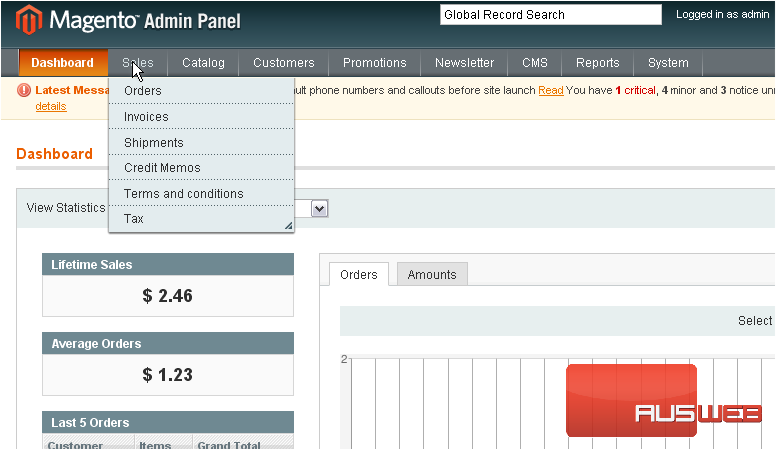
1) Go to Sales… and click Orders
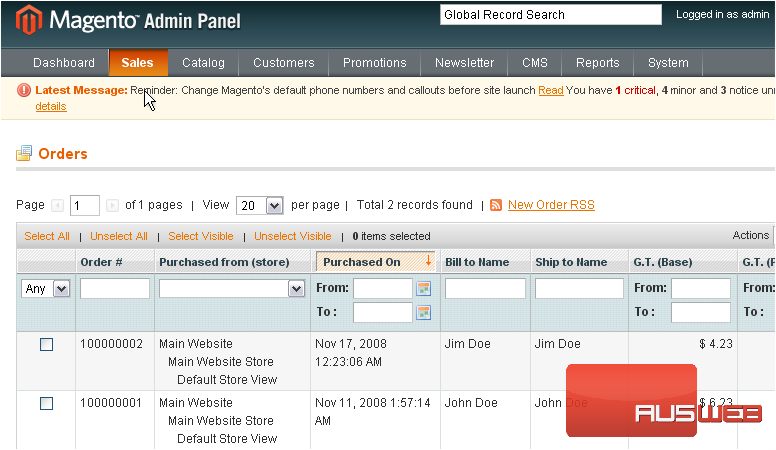
This page will show you all of the orders that have been placed
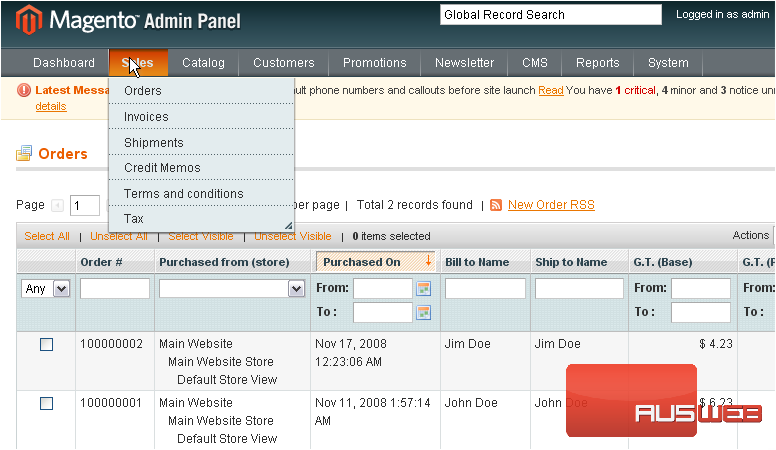
2) Go to Sales… then Invoices
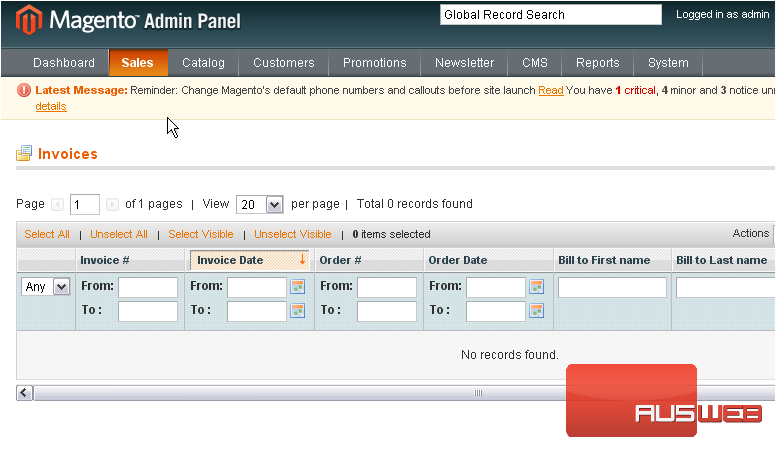
Any available invoices will show up here
3) Go to Sales… and click Shipments
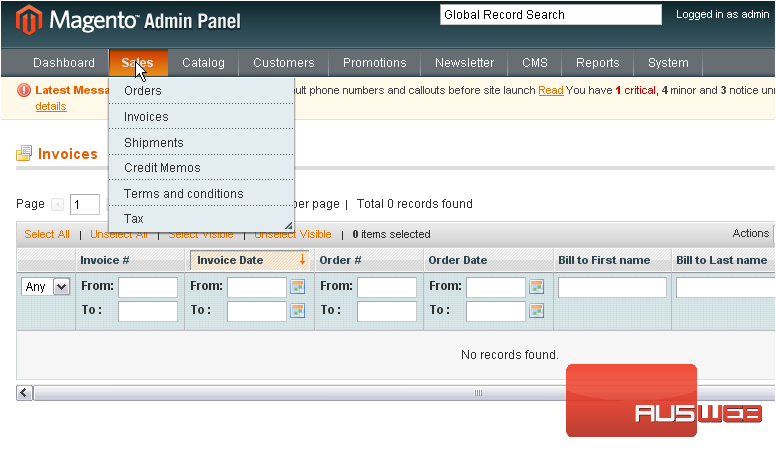
All shipments will show up in the list below
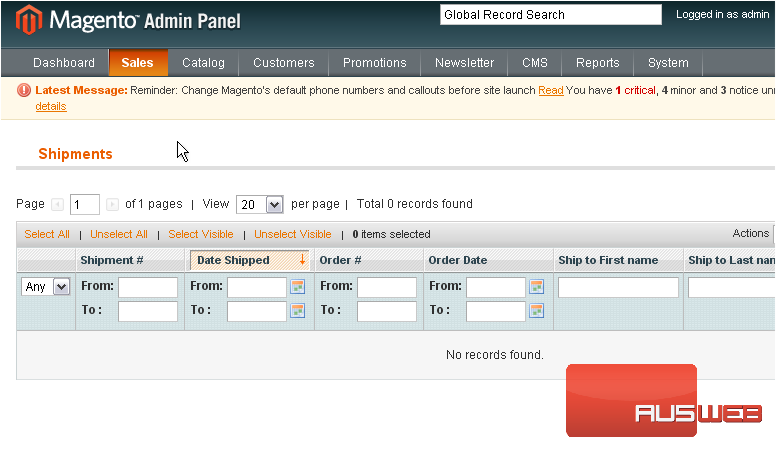
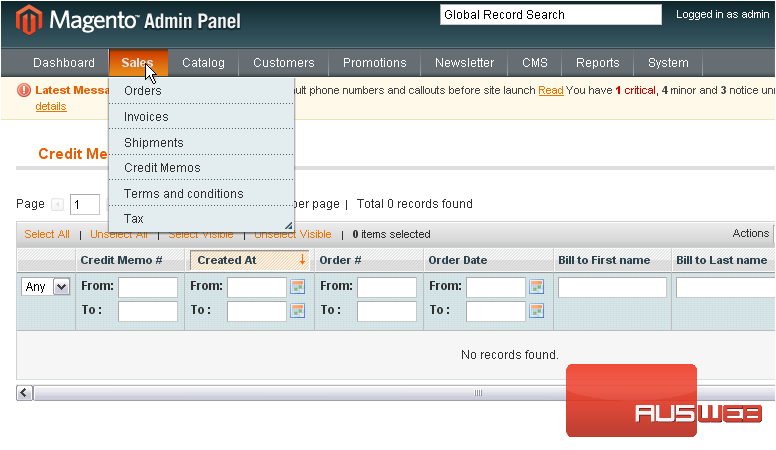
4) Go to Sales… and click Credit Memos
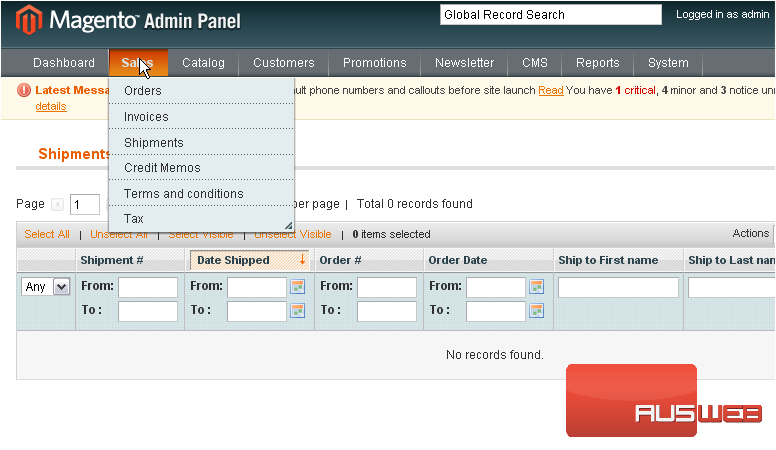
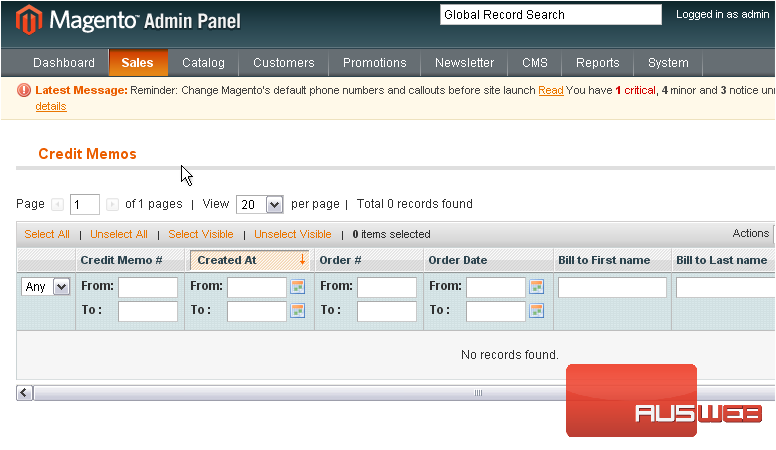
If there are any credit memos, they will show up here
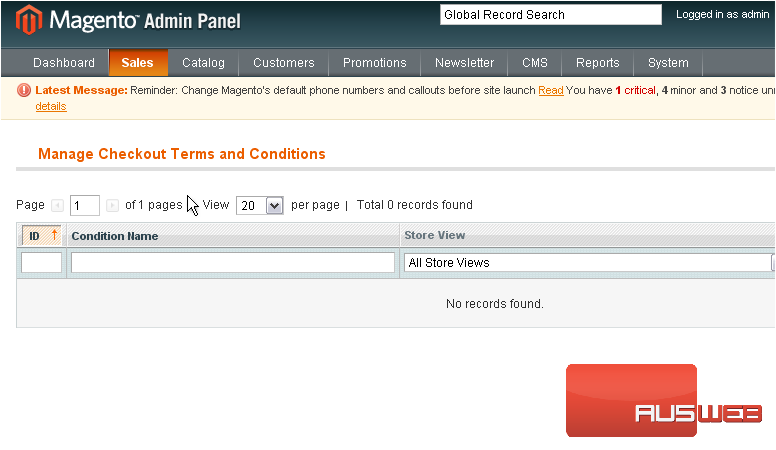
5) Go to Sales… then Terms and conditions
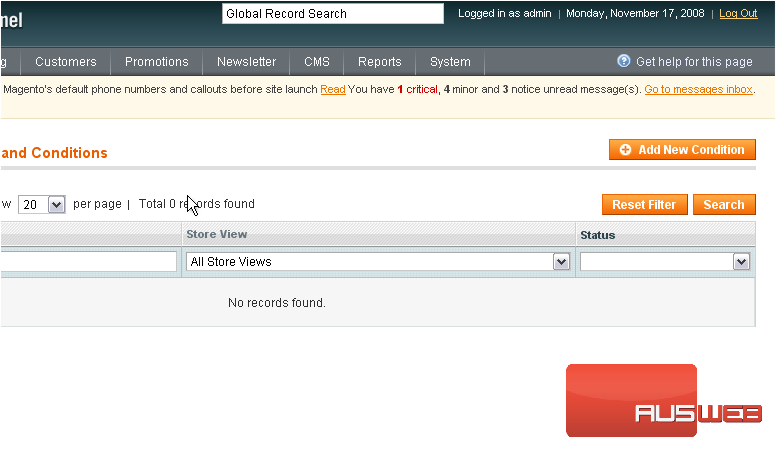
6) To create a new one, scroll right
7) Click Add New Condition
8) Enter a name for the new condition
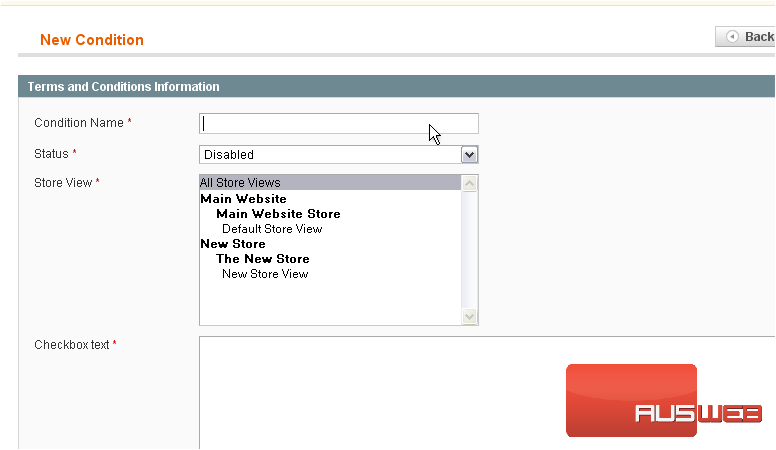
9) Set the status
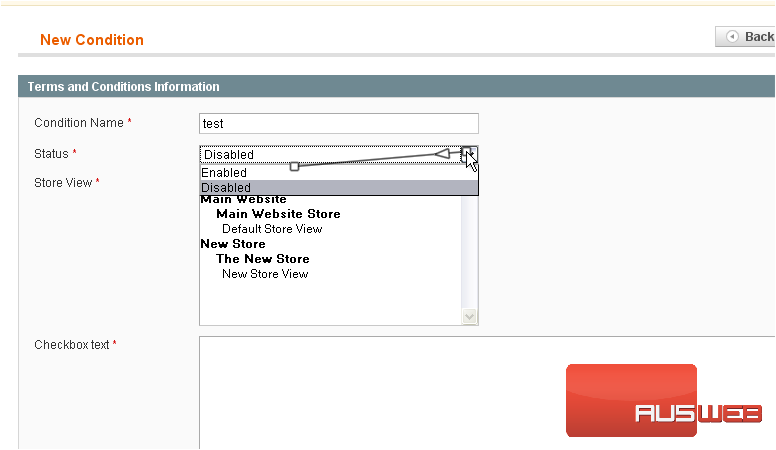
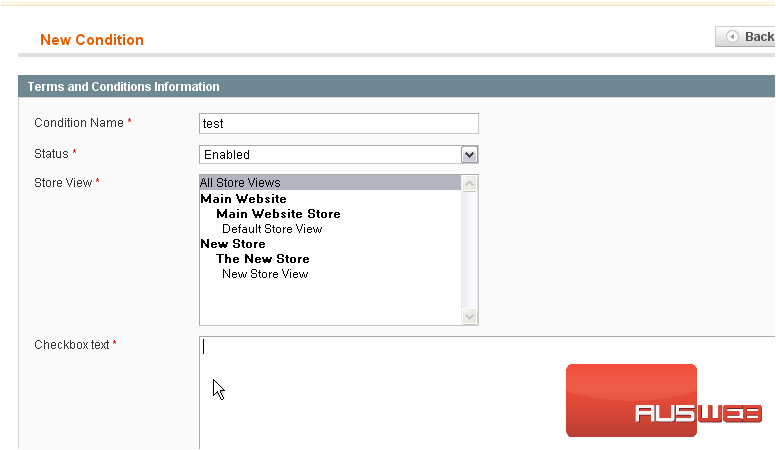
10) Enter the checkbox text
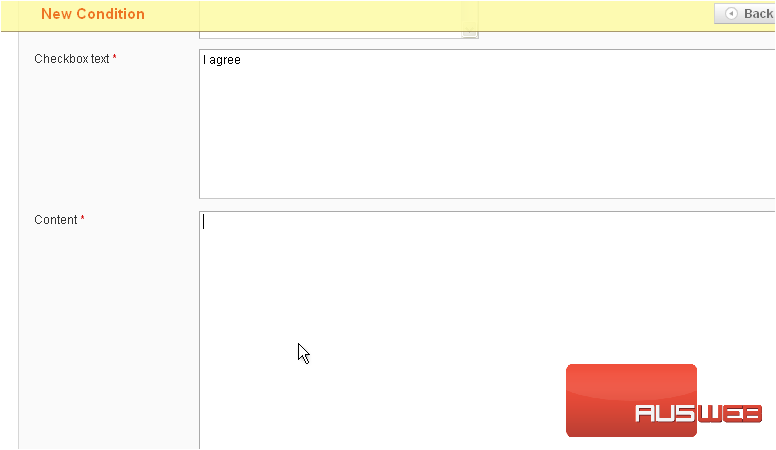
11) Enter the content
12) Click Save Condition
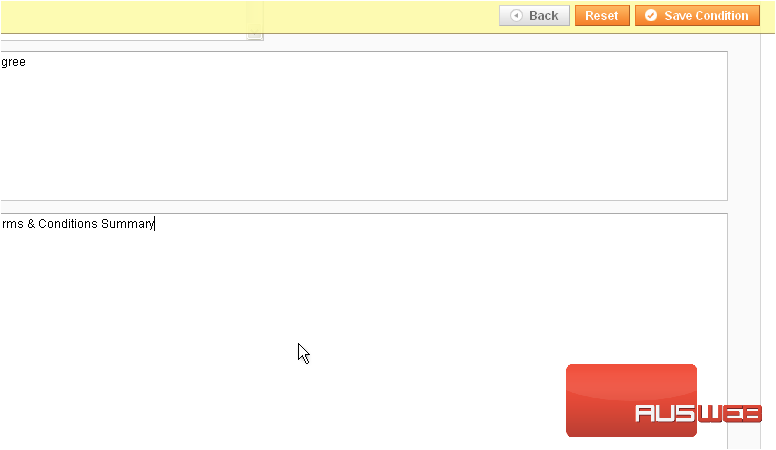
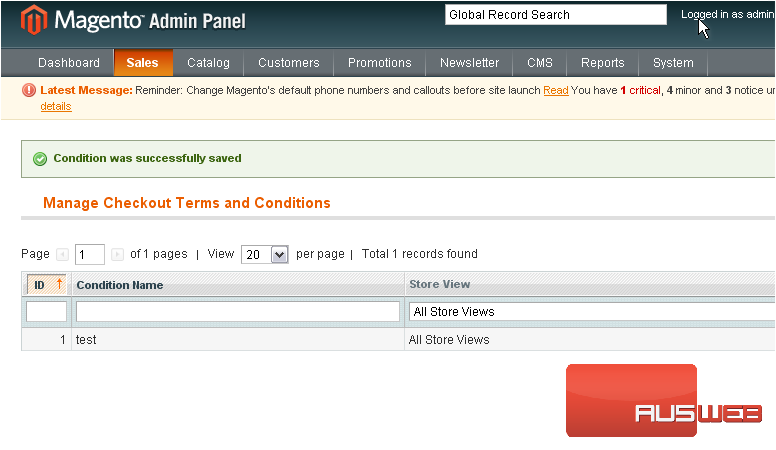
The condition has been saved
This is the end of the tutorial. You have now seen an overview of the sales options in Magento Commerce
