Set up email Forwarding in Plesk
This tutorial will show you how to set up email Forwarding in Plesk
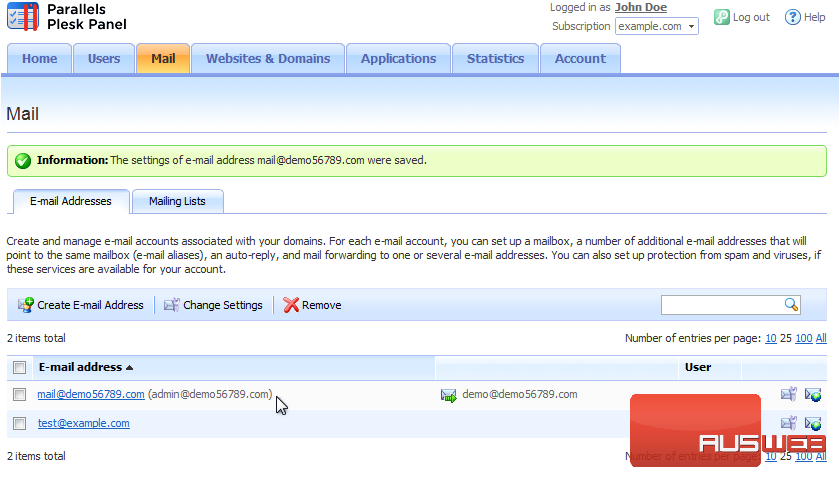
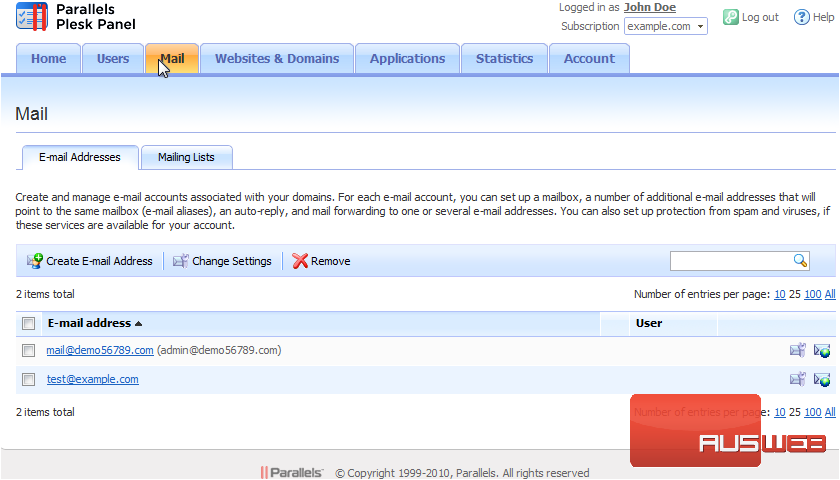
For each of your e-mail accounts, you can set up an e-mail forwarding service that will send copies of all incoming messages to specific e-mail addresses. Go to Mail.
1) For each of your e-mail accounts, you can set up an e-mail forwarding service that will send copies of all incoming messages to specific e-mail addresses. Go to Mail.
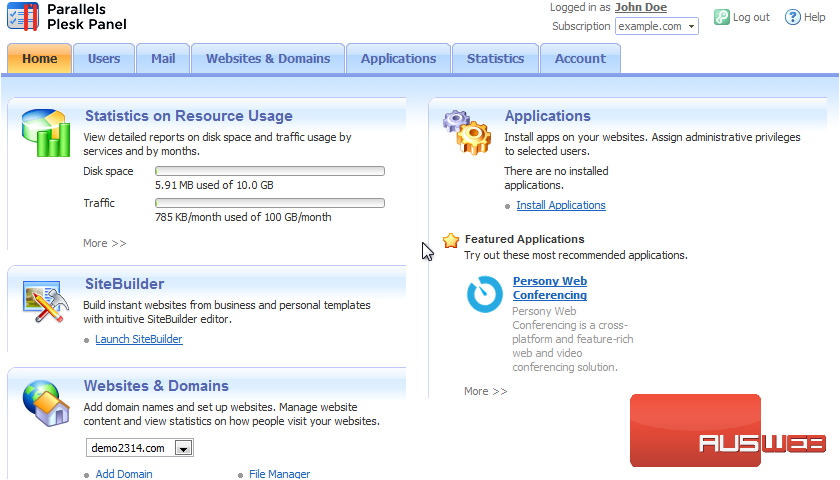
2) Select the e-mail address.
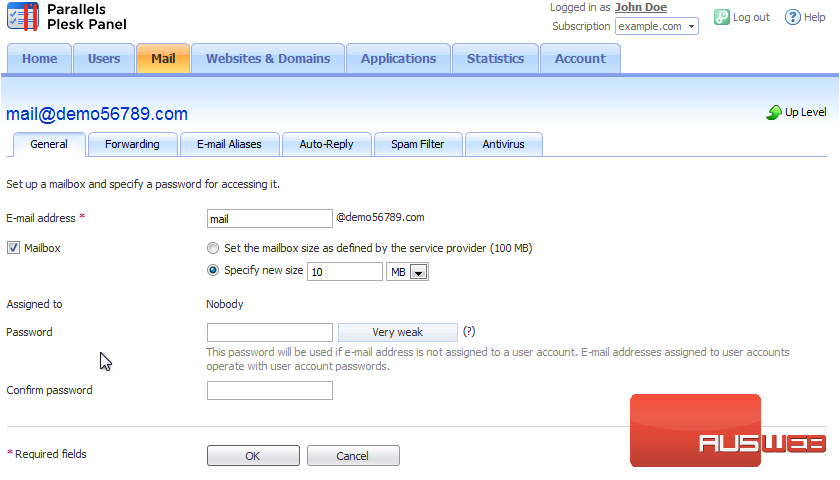
3) Go to the Forwarding tab.
4) Select the Switch on Mail Forwarding checkbox.
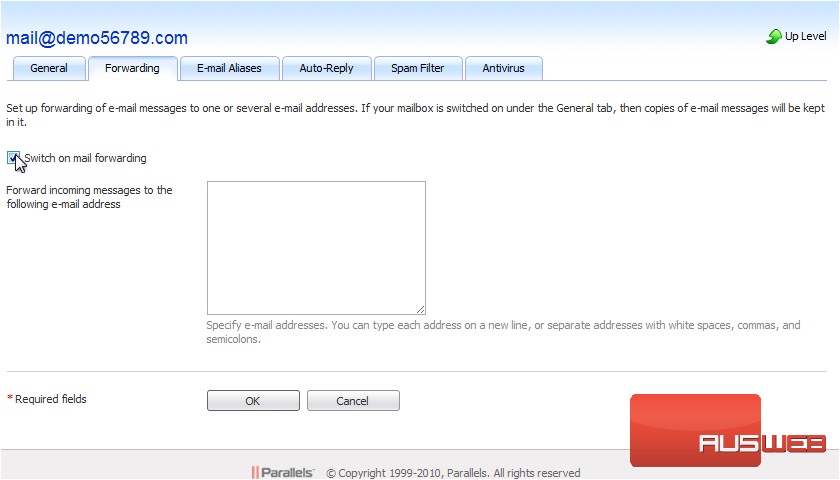
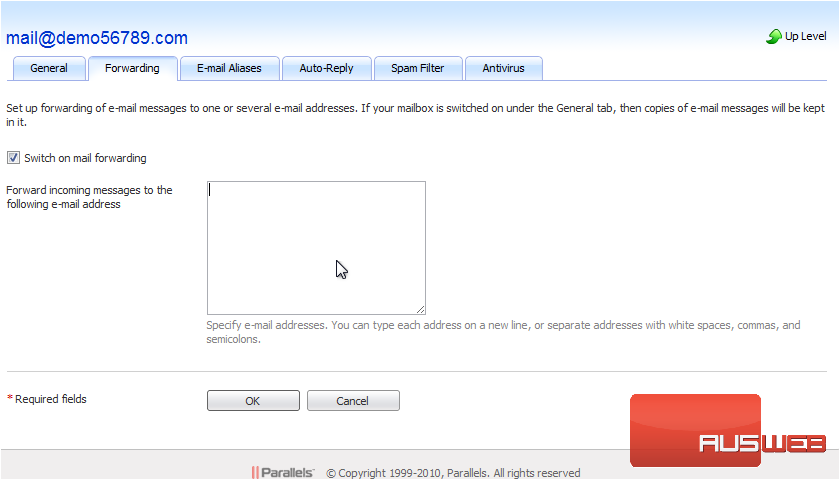
5) Specify one or several e-mail addresses to which e-mail should be forwarded. When specifying e-mail addresses, separate them with white space, commas, semicolons, or type each of them on a new line. Click OK.
That’s it! Now you know how to set up e-mail forwarding in Plesk.