Create tags in Magento
This tutorial will show you how to create tags in Magento
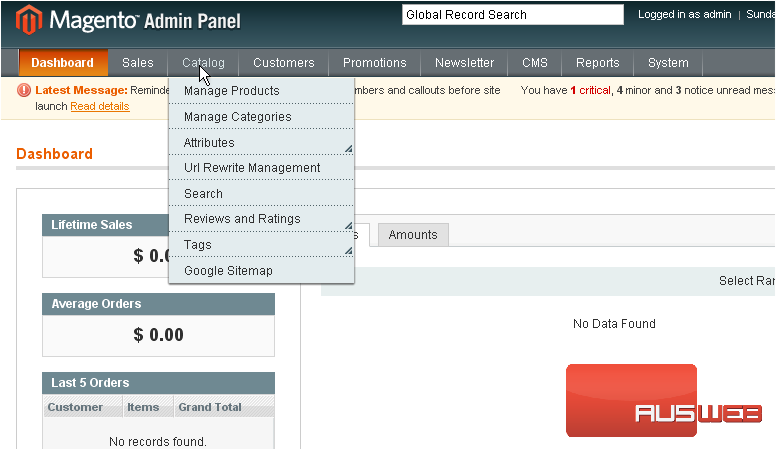
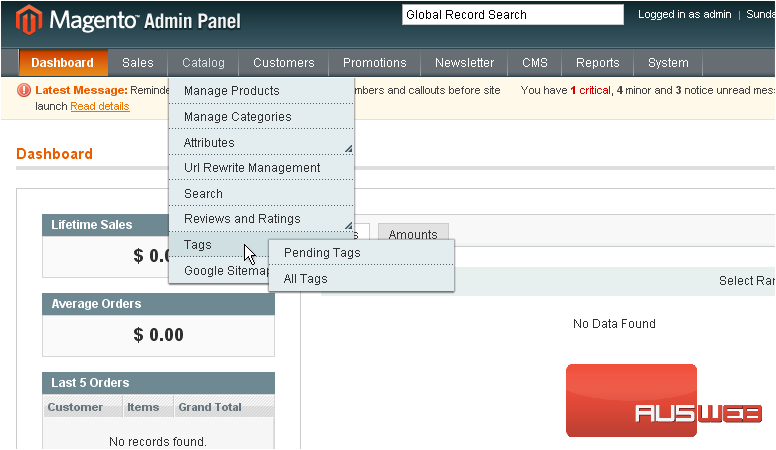
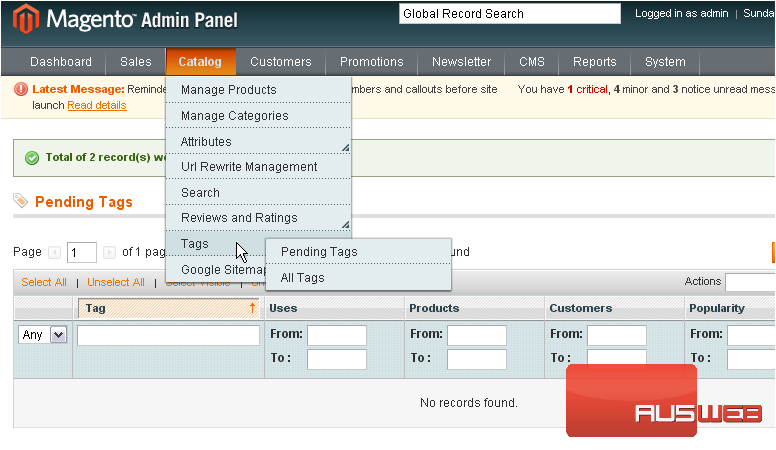
2) …then Tags… and select Pending Tags
This page will show you all the product tags that require approval before they can be used
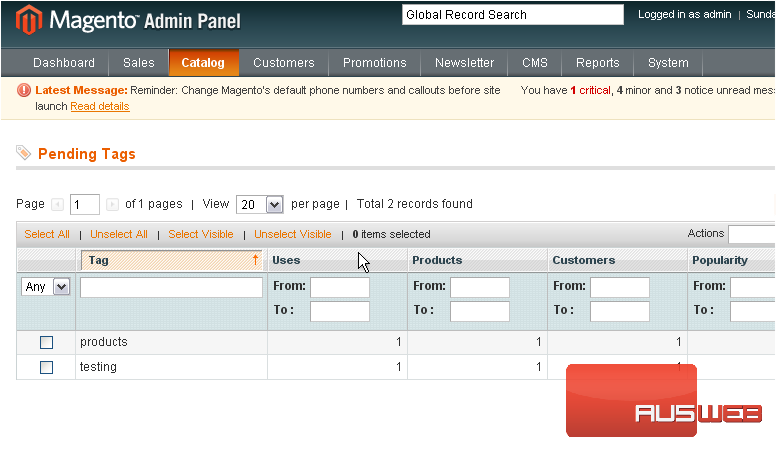
3) Select the tags you want to approve
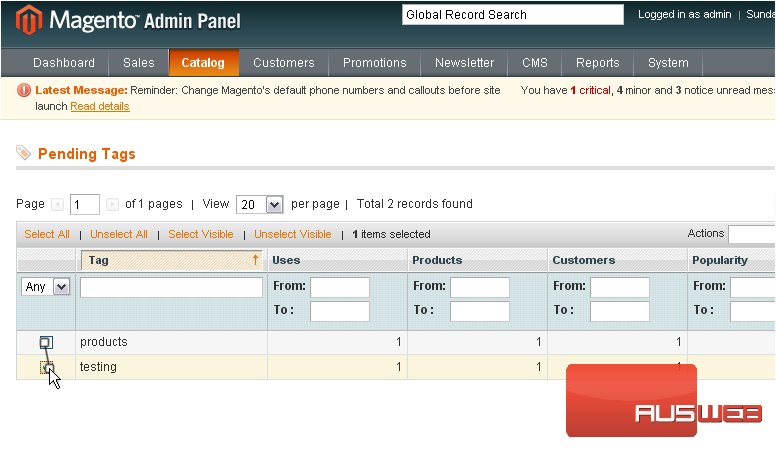
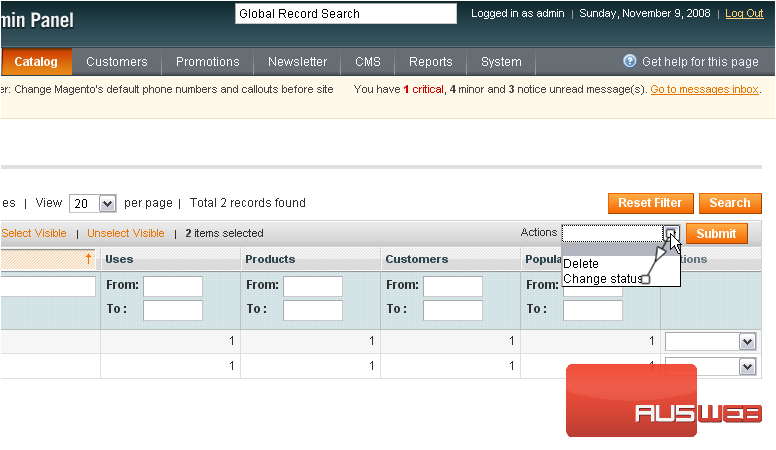
4) Select Change Status from the actions menu
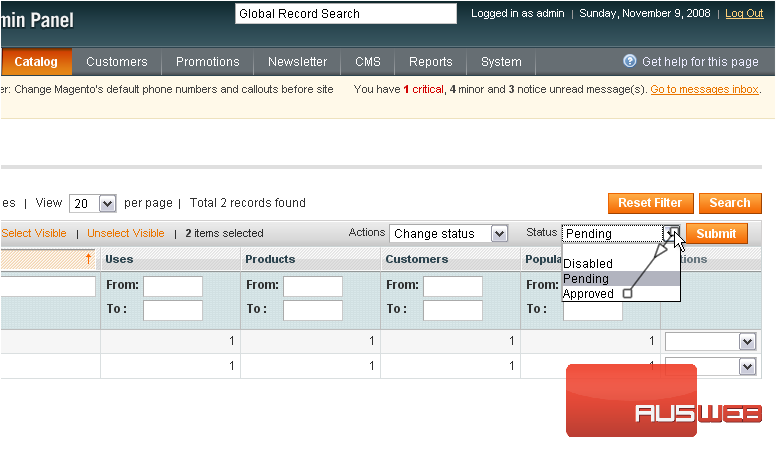
5) Change the status to Approved
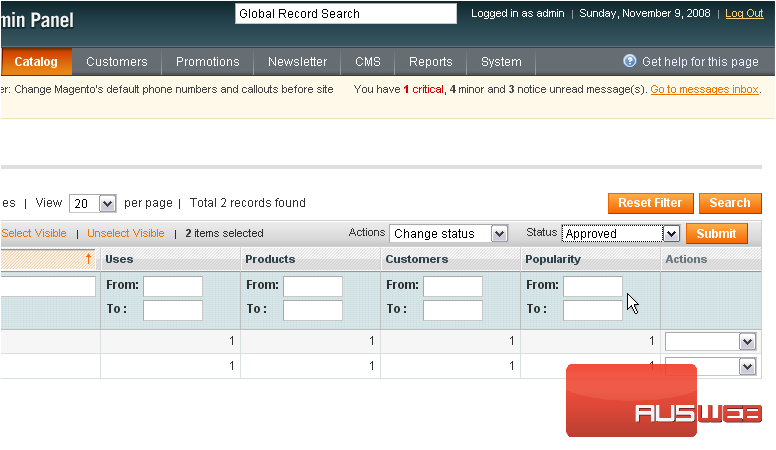
6) Click Submit
7) To create your own product tags, go to Catalog…
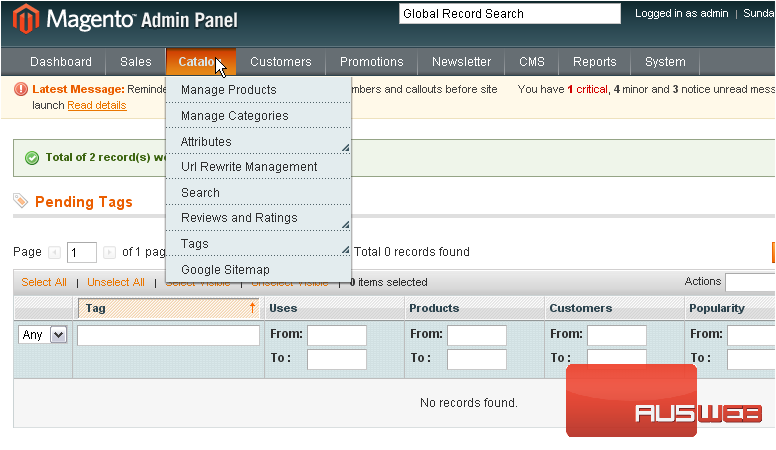
8) …then Tags… and select All Tags
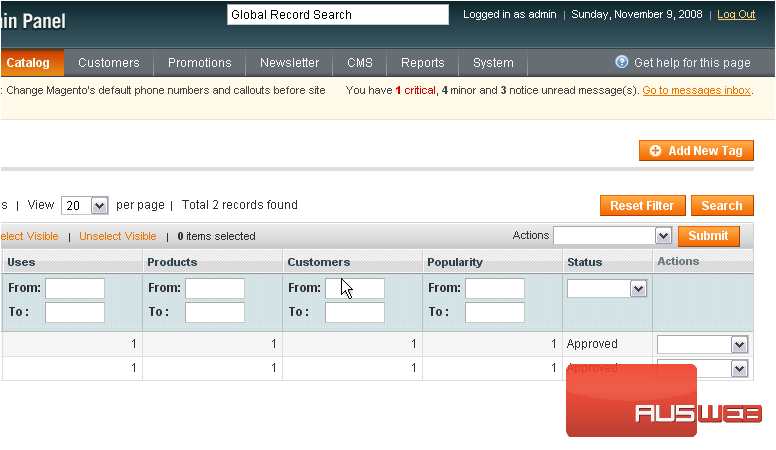
9) Click Add New Tag
10) Enter a name for the tag
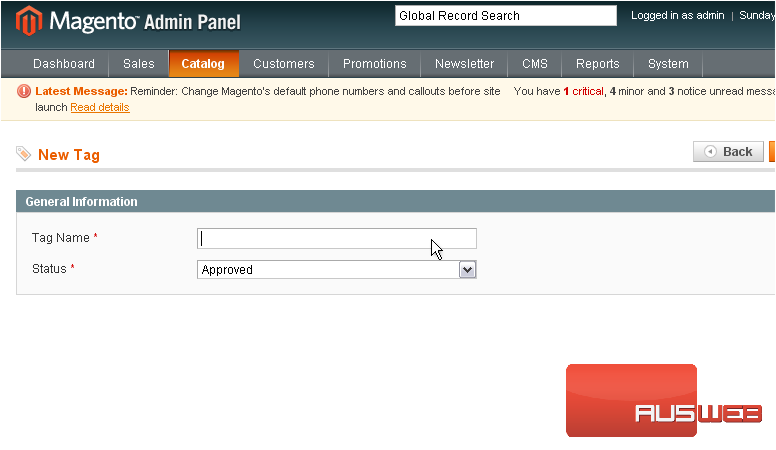
The status is automatically set to approved
11) Click Save Tag
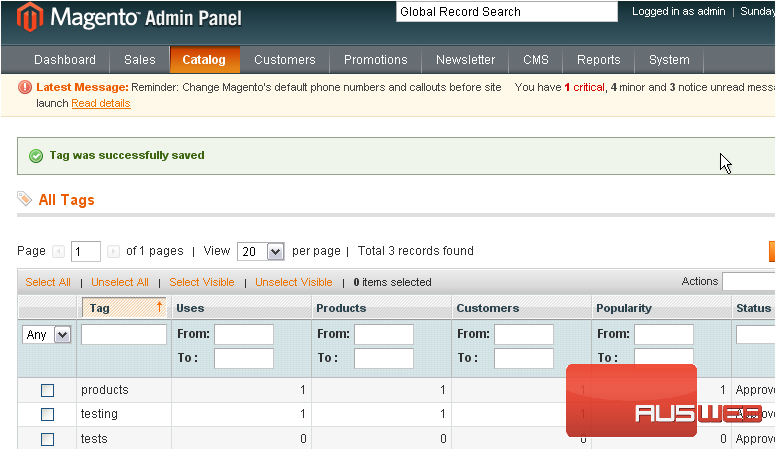
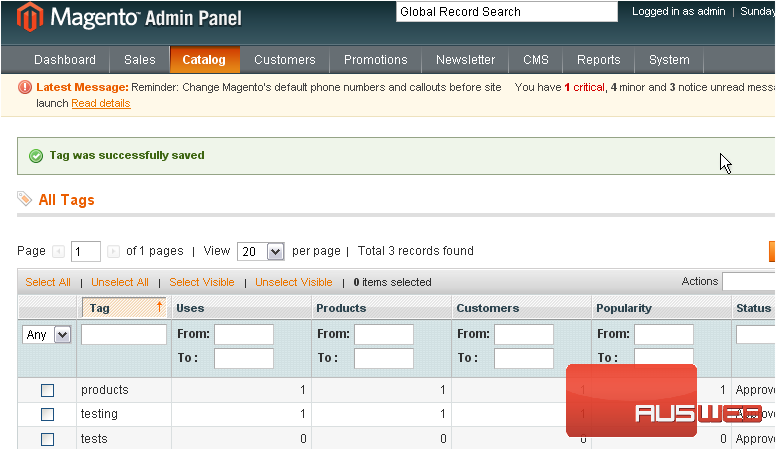
The tag was successfully saved and now shows up in the list below
This is the end of the tutorial. You now know how to create and approve tags in Magento Commerce
